Point of sale for small businesses
Sell, track inventory, and manage staff in one place.
Paldoo brings checkout, inventory, staff access, and reports into one browser-based POS system for retail stores.
No credit card required. Cancel anytime.
Features
What Paldoo includes
POS Checkout
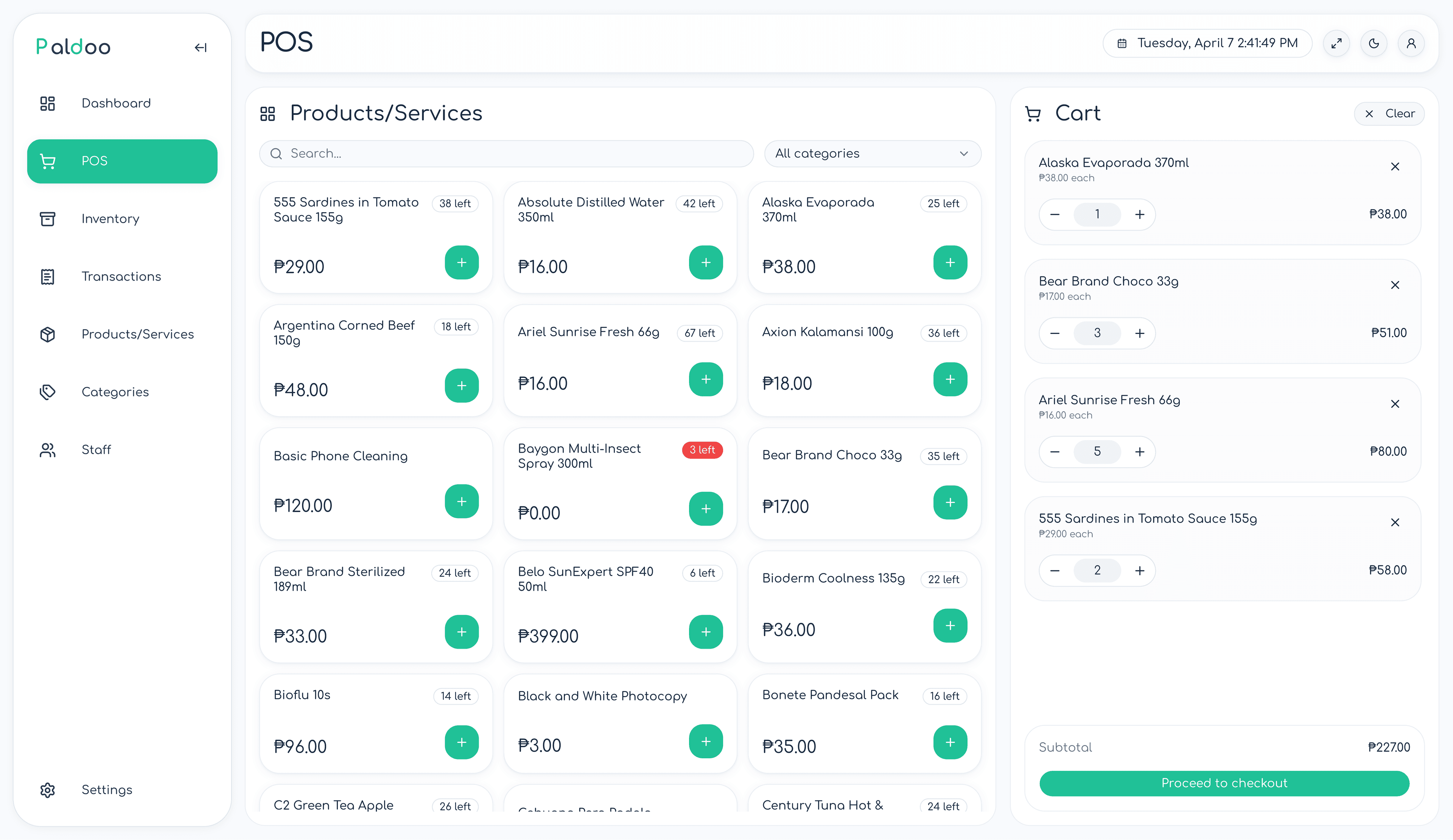
Find products fast, manage the cart, take different payment types, and send out receipts from one screen.
Inventory Tracking
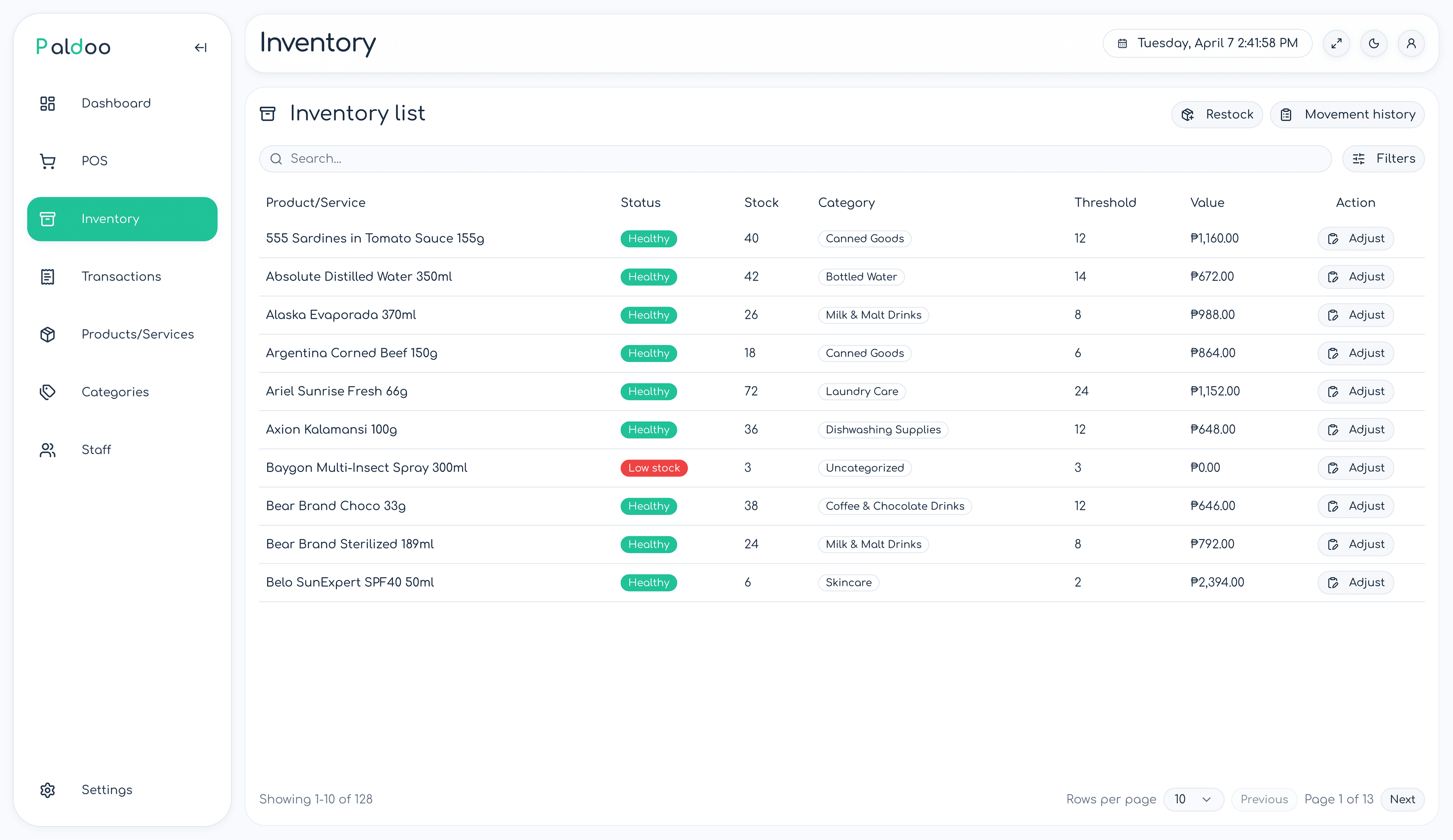
Stock updates on every sale, so you always know what is running low and what needs to be adjusted.
Role-based Access
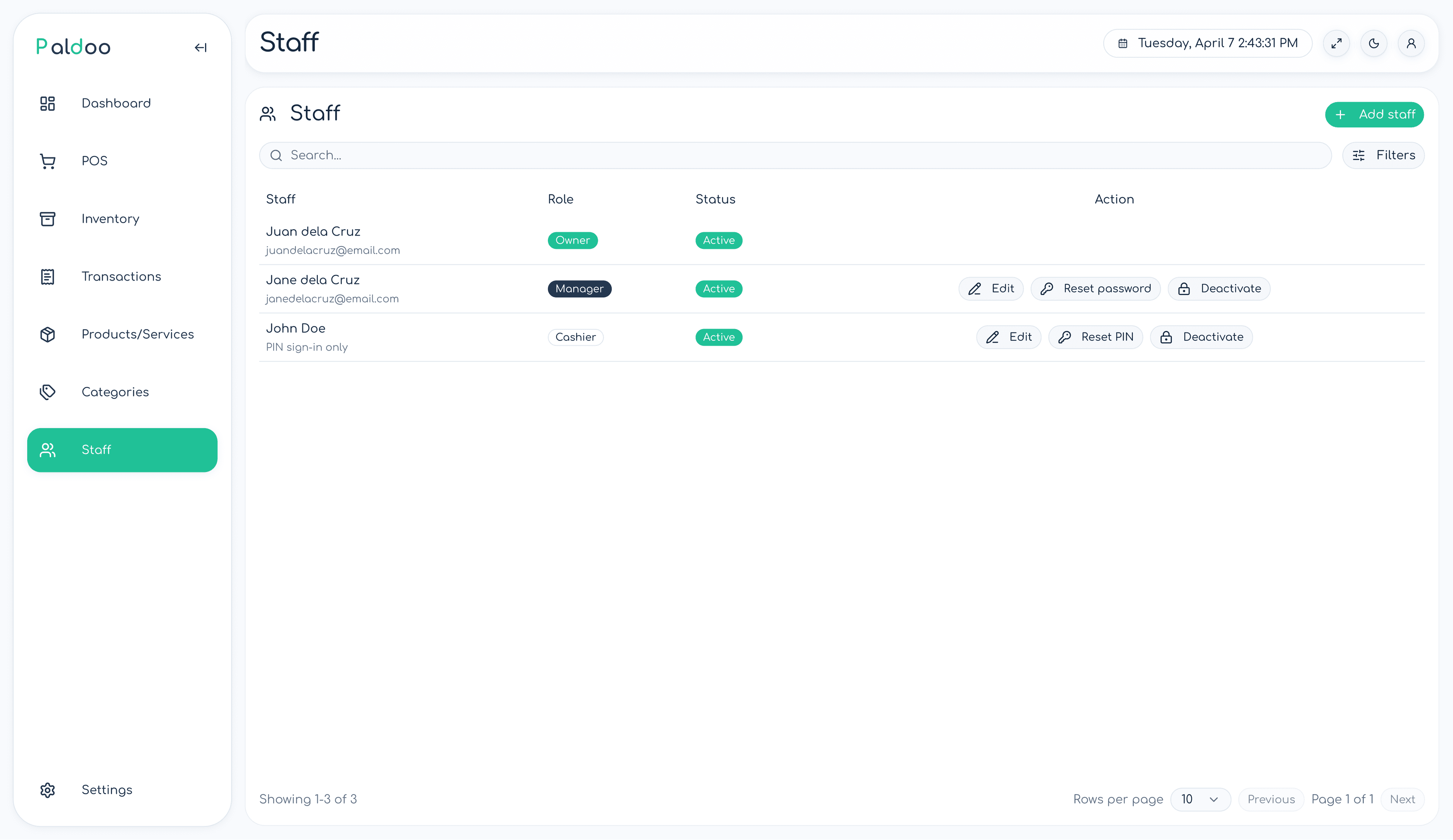
Give owners, managers, and cashiers the access they need. Cashiers can log in with a PIN instead of sharing accounts.
Reports & Dashboard
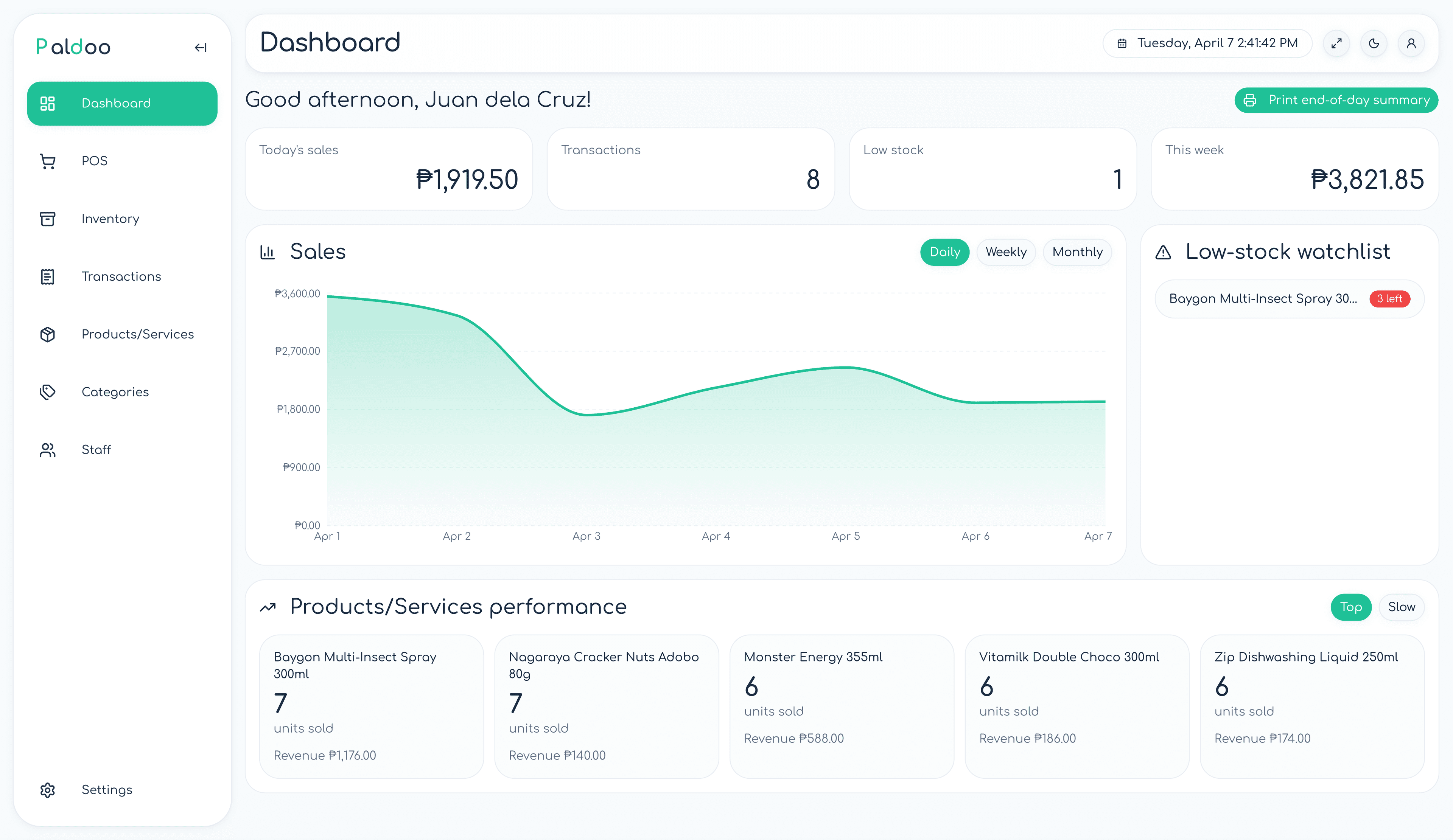
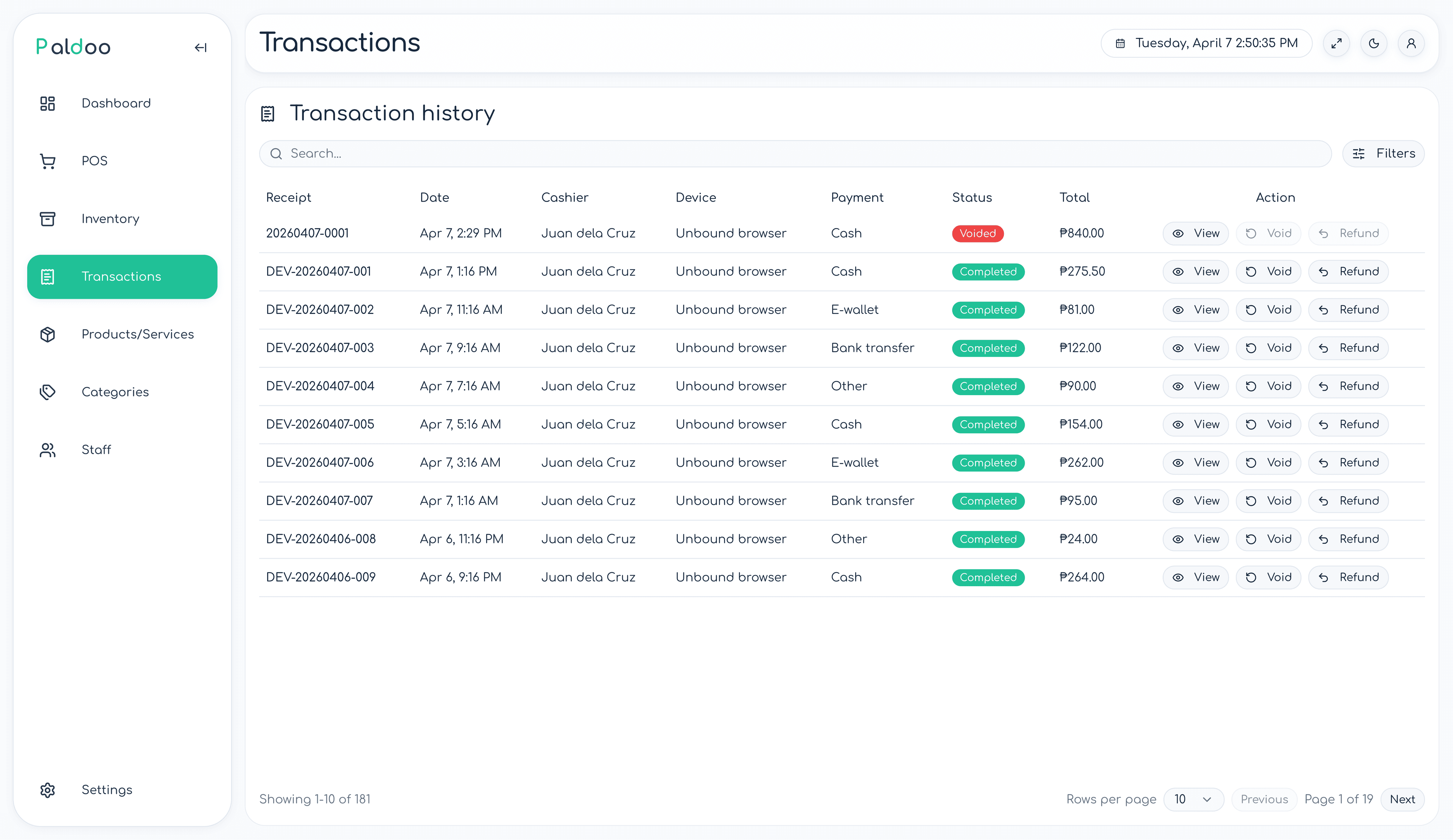
Check daily sales, review transaction history, and wrap up the day with a clear end-of-day summary.
POS Device Binding
Assign each POS session to a specific device, so you can see where every transaction was processed.
Products & Services
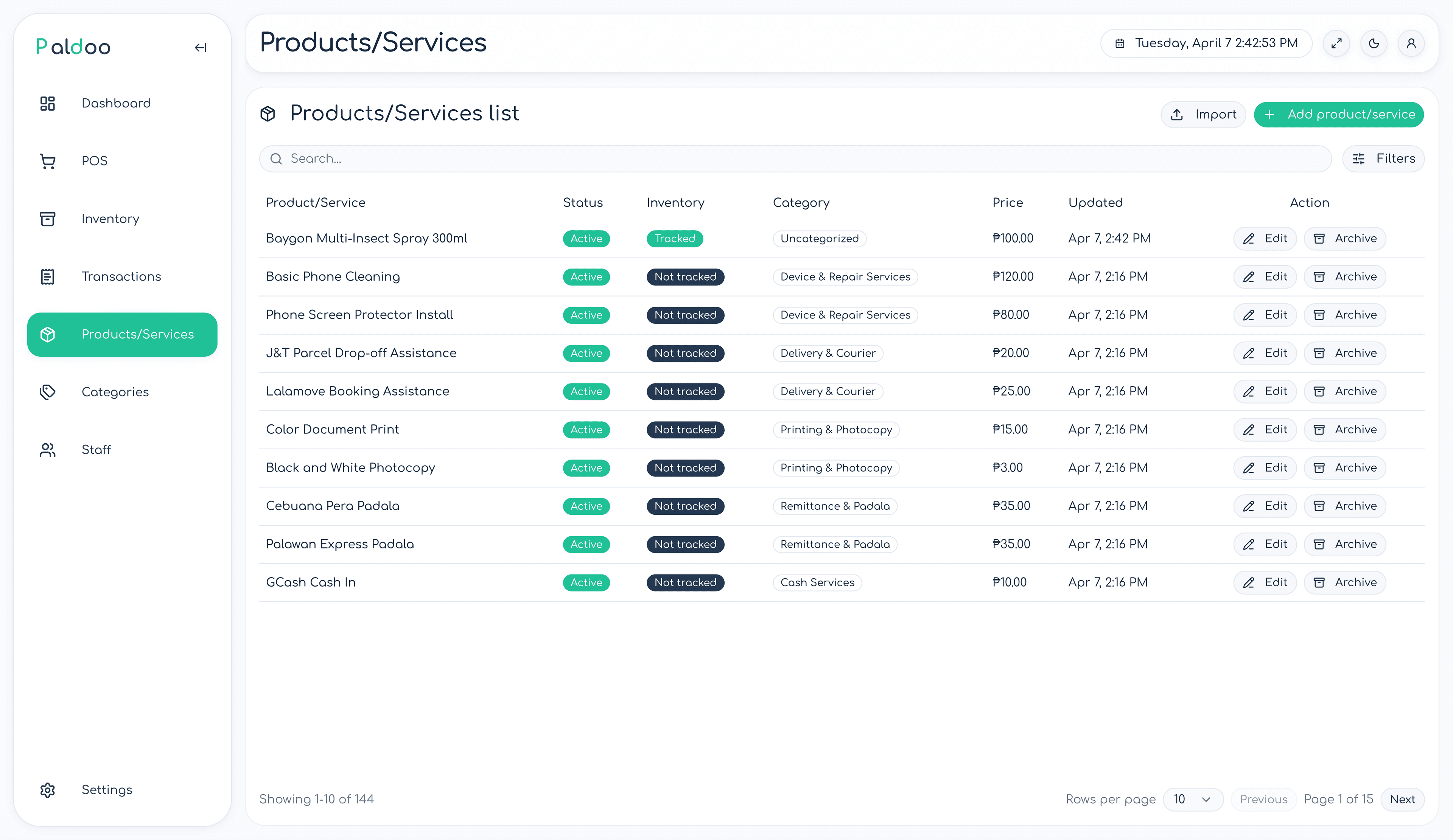
Sell products and services from one catalog, keep them organized by category, and import in bulk from CSV or XLSX.
Built for in-person retail
Everything a counter-based store needs
From sari-sari stores and food stalls to clothing shops and service businesses, Paldoo gives your counter the tools to run smoothly without juggling separate apps.
- Inventory auto-deducts on every sale
- Cashier PIN login, so no one needs to share passwords
- Printable and digital receipts
- Works in any modern browser, no install needed
- Import products from CSV or XLSX files
- Assign POS devices to specific staff sessions
Getting started
Set up in three steps
Create your store
Sign up, enter your store name, and start the 14-day free trial. No payment required.
Add your products
Enter products manually or import from a spreadsheet. Set prices, stock levels, and categories.
Open the POS
Start ringing up sales immediately. Print or send receipts on every transaction.
Preview
A look at the interface
Who uses Paldoo
Any store with a counter
If you sell in person, Paldoo helps you stay on top of sales, stock, and staff.
Pricing
Start with a 14-day free trial, then choose a plan
No credit card needed. Cancel anytime.
Basic
Owner-operated essentials
₱199/month
A lean setup for stores run directly by the owner.
Best for: Owner-operated single-location stores
Products and services
Categories
POS checkout
Receipts and printing
Transaction history
Void and refund
Inventory adjustments
Dashboard
Low-stock visibility
Business settings
Standard receipt output
Manager and cashier accounts
Cashier PIN login
Bound POS devices
CSV or XLSX import
Payment-proof capture
Advanced receipt customization
Pro
Faster team operations
₱399/month
A fuller operating setup for stores with staff or heavier day-to-day admin needs.
Best for: Stores with staff or stores that need faster day-to-day operations
Everything in Basic
Manager and cashier accounts
Cashier PIN flow
POS device binding
Product import
Payment-proof capture and storage
Richer printing and custom receipt controls
Fuller day-to-day admin workflows
FAQ
Common questions
Do I need a credit card to start?
Can I switch plans?
What happens after the trial ends?
Is there a long-term contract?
What devices does Paldoo work on?
Can I import my existing products?
Ready to get started?
14-day Pro trial. No card required. Set up in minutes.